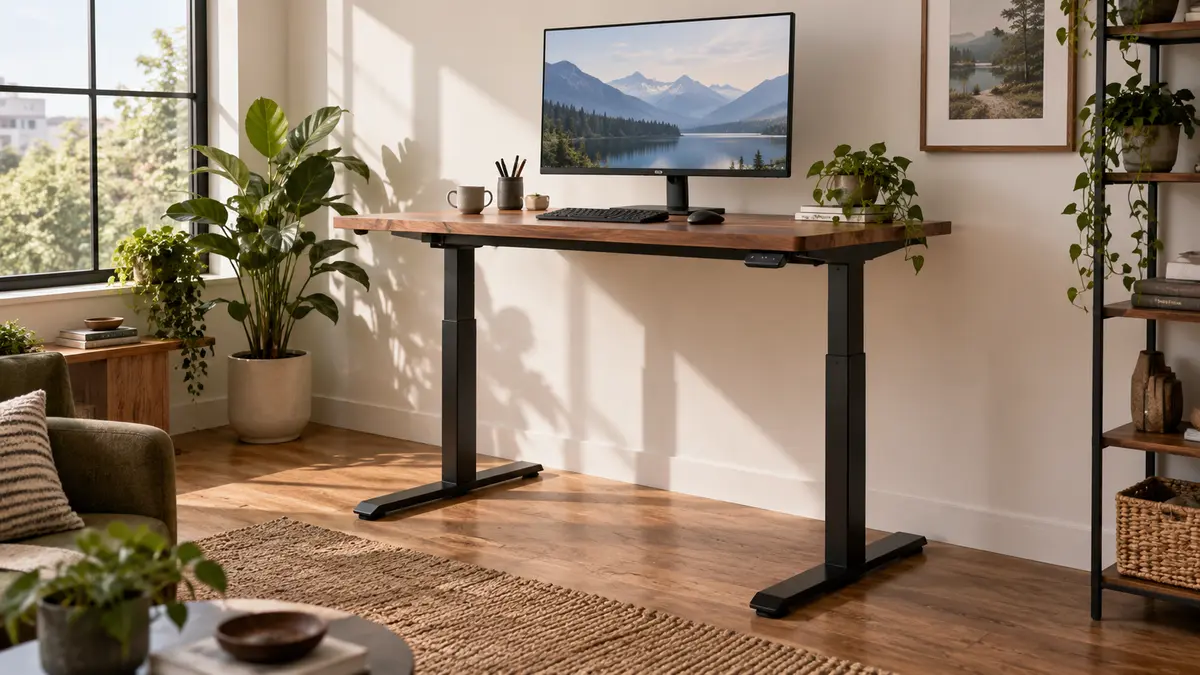
A standing desk can have great motors, a gorgeous top and a giant height range and still be wrong for you.
The first question is much less exciting: does it go low enough when you are sitting and high enough when you are standing? If either answer is no, the rest of the feature list does not matter much.
Standing-desk starting points
Check the finished height range, desktop size and stability at your working height before buying.
Measure your two working heights first
Sit in your normal chair with your shoulders relaxed and feet supported. Bend your elbows roughly to a right angle and measure from the floor to your forearms. Then do the same thing while standing.
Those two numbers give you a much better shopping range than your overall height.
We made a separate standing-desk height guide if you want the measurement process without the rest of the buying discussion.
The minimum height is easy to miss
Standing-desk listings love to brag about how high the desk goes. The lower number can be more important.
If the keyboard sits too high while seated, you end up raising your shoulders or adjusting the chair until your feet dangle. Neither is a great solution.
OSHA’s workstation guidance focuses on keeping the shoulders relaxed, elbows close to the body and wrists in a neutral position. OSHA’s computer-workstation guide is here.
Check whether the published height includes the desktop
A frame sold separately may list height to the top of the support structure. Add a 1.25-inch desktop and the whole working surface moves up 1.25 inches.
Casters raise it again.
That is exactly how a frame that looked perfect on paper turns into a desk that is an inch or two too tall every day.
Depth matters if you use a big monitor
A shallow desk can put the screen too close to your face or push the keyboard right to the front edge.
Measure the depth of the monitor stand, laptop dock, speakers and papers you actually use. A monitor arm can free up a lot of surface area, but it needs a desktop strong enough for the clamp.
If you are deciding between common sizes, see our 24-inch vs 30-inch desk-depth guide.
Judge stability at standing height
Almost every desk looks stable near its lowest setting.
Raise it to your actual standing height. Type. Lean lightly on the front edge. See whether the monitor starts dancing every time you touch the keyboard.
Stability depends on leg design, foot length, frame stiffness, floor type and how far the telescoping columns are extended.
Do not buy lifting capacity you do not need, but leave margin
Add the desktop, monitors, arms, computer, speakers and anything else that travels up and down with the frame.
Stay comfortably under the moving-load rating. A heavy butcher-block top can consume a surprising part of the capacity before you put a monitor on it.
Memory presets are genuinely useful
If you switch positions several times a day, memory buttons remove the little negotiation where you hold “down,” overshoot, go back up, overshoot again and eventually decide sitting is fine forever.
They are especially useful when two people share the desk.
Cable management needs to survive the full trip
Raise the desk all the way before routing cables. Make sure power and data cables have enough slack to reach the top without pulling, but not so much that they snag on a drawer or chair.
Mounting a power strip underneath the moving desktop can simplify the whole setup because only one main power cord has to move between desk and wall.
A standing desk is not a command to stand all day
The benefit of an adjustable desk is changing position.
Stand for a while. Sit for a while. Move around. A $700 desk does not turn standing still for eight hours into a great idea.
My buying checklist
- Measure seated and standing working height.
- Confirm the finished desk range covers both.
- Choose enough depth for your monitor setup.
- Check stability at your actual standing height.
- Add up the real moving load.
- Look for memory presets if you will switch often.
- Check replacement parts and warranty terms for motors and controls.
The right standing desk should disappear into the workday. It goes where you need it, stays still when you type and does not yank a cable out of the wall on the way up.
Shop by the criteria that matter
Amazon results change. Check each listing against the criteria in this guide.