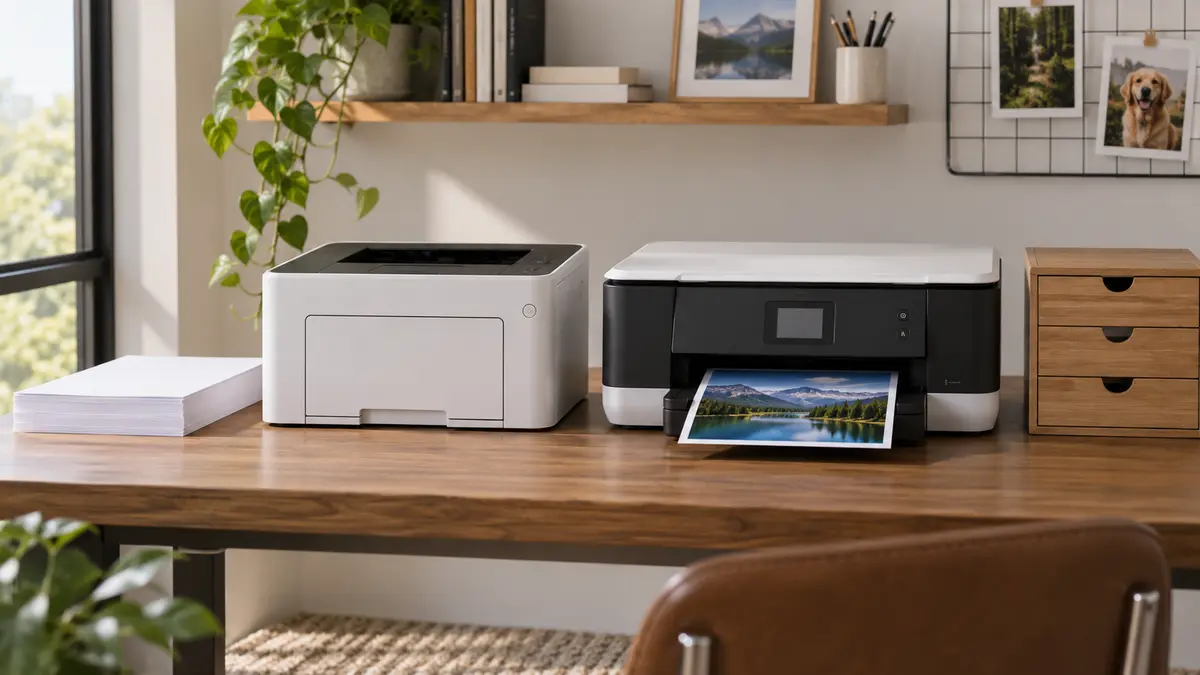
The cheapest printer is often the expensive printer wearing a cheap disguise.
Hardware can be discounted because ink or toner is where the long-term money is. Before choosing laser or inkjet, estimate what you actually print in a year: black documents, color pages, photos, envelopes, scanning and those frantic school forms that apparently become urgent five minutes before you need to leave.
Printer types to compare
Check replacement toner or ink cost, duplexing, scanner features and the paper sizes you actually use.
Laser is hard to beat for lots of text
Laser printers use dry toner and heat. They are fast, produce crisp text and tolerate sitting unused much better than many inkjets.
If most of your printing is black-and-white documents, labels and school or office paperwork, a monochrome laser is the boring answer that often makes the most sense.
Inkjet is better at photos and flexible color work
Inkjet printers spray liquid ink through tiny nozzles.
They can produce excellent photos and color graphics, and they handle a wide range of paper types.
The downside is that nozzles can clog when a printer sits unused for long periods. Cleaning cycles consume ink too.
Tank inkjets change the economics
Refillable tank printers cost more upfront but can have dramatically lower ink cost per page than traditional cartridges.
They make sense for households that print enough color material to use the ink while keeping the printer active.
If you print three pages every two months, a tank full of inexpensive ink is not automatically an advantage.
Look at the supplies before you buy the printer
Find the exact cartridge, toner or bottle numbers. Check their page yields and current price.
Yield numbers are standardized estimates, not guarantees of what your household will get. Photo-heavy and high-coverage pages use much more ink than ordinary text.
I like printers with separate color tanks or cartridges because one empty color does not necessarily mean throwing away ink you still have in the others.
Automatic duplexing is one of those features you actually use
If you print documents, automatic two-sided printing saves paper and handling.
Check whether duplexing is automatic or whether “two-sided printing” means the software tells you to flip the stack by hand.
An automatic document feeder can matter more than print speed
If you scan multi-page forms or copy packets, an ADF is wonderful.
Make sure it can scan both sides automatically if that is something you need. Some printers can duplex-print but not duplex-scan.
Keep a boring connection option
Wi-Fi printing is convenient until the printer and router decide they are no longer on speaking terms.
I like having USB or Ethernet available as a fallback when possible.
Photo printing is its own decision
If photos are important, look at real photo samples, paper support, borderless sizes and the cost of ink used by high-quality modes.
A color laser printer is great for charts and handouts. It is not usually the machine people buy for glossy family photos.
Check sleep and power behavior
Printers spend most of their lives waiting.
ENERGY STAR has information on imaging equipment efficiency if power use matters in your comparison. ENERGY STAR printer information is here.
My quick choice
Monochrome laser: lots of black text, long idle periods, low drama.
Color laser: frequent color documents, charts and office work where speed matters more than photo quality.
Cartridge inkjet: modest mixed printing and photos, especially when initial cost matters.
Tank inkjet: regular color printing where low ink cost is worth the higher upfront price.
Then look at the scanner, duplexing and supply cost. The printer itself is only half the purchase.
Shop by the criteria that matter
Amazon results change. Check each listing against the criteria in this guide.