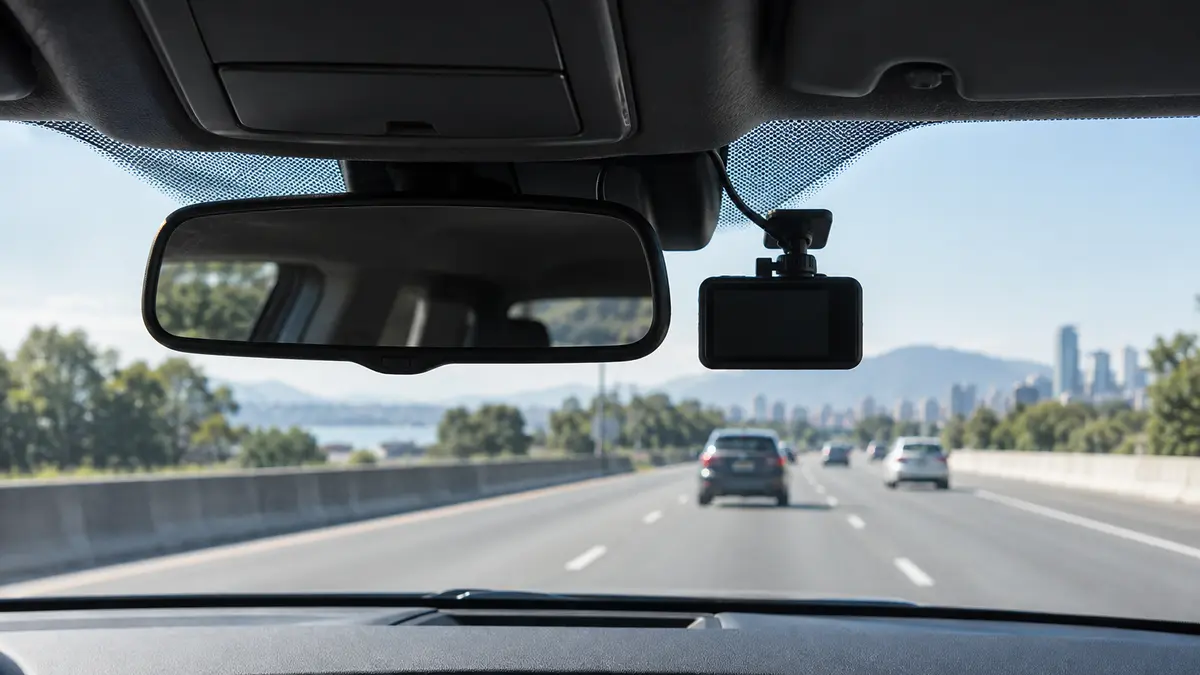
A dash cam does not need to make beautiful video. It needs to make useful video.
That means showing what happened, when it happened and, when conditions cooperate, enough detail to identify vehicles, signals and road position. A giant resolution number by itself does not guarantee any of that.
Dash-cam setups to compare
Watch real sample footage from the exact model, especially at night and while vehicles are moving.
Front, rear and cabin cameras answer different questions
A front camera covers the road ahead. A rear camera can document a rear impact or what happened behind you. A cabin camera is useful for rideshare, teen-driver or interior documentation.
Every extra camera adds cost, wiring and storage use. Buy the views you have a reason to record.
Look at moving footage, not parked license plates
This is the best reality check.
Find sample video from the exact model. Pause frames while cars are moving in daylight and at night.
Headlights, motion blur, compression and windshield reflections can turn a perfectly readable parked plate into a white rectangle at speed.
Field of view can be too wide
A wider lens captures more of the road beside you, but it also spreads the available pixels across a larger scene.
Extreme wide-angle lenses can make vehicles look farther away and distort the edges.
Enough width to cover the useful roadway is better than chasing the biggest number.
Heat tolerance matters inside a parked car
A car interior gets brutally hot in the sun.
Dash cams that use supercapacitors instead of lithium-ion batteries are popular partly because supercapacitors generally tolerate hot automotive environments better.
Check the manufacturer’s stated operating and storage temperature range for the climate where you live.
The memory card is a wear item
Dash cams write video constantly. That is hard on ordinary flash memory.
Use a high-endurance microSD card in a capacity the camera supports. Format it according to the manufacturer’s instructions and replace it if the camera starts reporting card errors.
Parking mode is not one feature
Some cameras record continuously at a lower frame rate. Some wake when they detect motion or impact. Some buffer video so they can save the moments immediately before an event.
Parking mode usually requires a hardwire kit or another power source that can monitor vehicle battery voltage.
Read the details. “Parking mode” on the box can mean very different things.
Mount it where it does not block your view
The camera should have a clear view through the windshield without sitting in the driver’s main field of vision.
Placement laws vary by location, so check your state or local rules.
Route the power cable so it does not interfere with airbags, controls or visibility.
Apps are convenient and also one more dependency
Wi-Fi and phone apps make downloading clips easy.
They also introduce accounts, software updates and privacy considerations.
If the camera can connect to the internet or cloud services, use strong unique credentials and keep firmware current. The FTC has general guidance for securing connected devices. FTC connected-device guidance is here.
Test the footage before you need it
Install the camera, drive during the day and at night, then actually pull the files off the card.
Check the timestamp, audio setting, front/rear orientation and whether the image is usable.
Do not discover after an accident that the rear camera was upside down for eight months.
My dash-cam checklist
- Choose the views you need.
- Watch real moving sample footage.
- Check operating temperature.
- Use a high-endurance card.
- Understand exactly how parking mode gets power.
- Mount it legally and out of your sight line.
- Test file retrieval before relying on it.
A good dash cam is boring most of the time. Then, on the one day it matters, the file opens and clearly shows what happened.
Shop by the criteria that matter
Amazon results change. Check each listing against the criteria in this guide.